 Splitsies
Trips: a new home for short-lived shared expenses
Trips give you a countdown, an optional budget, and per-day expense tagging. Here's why I added them and how to use them.
- trips
- product
- group-travel
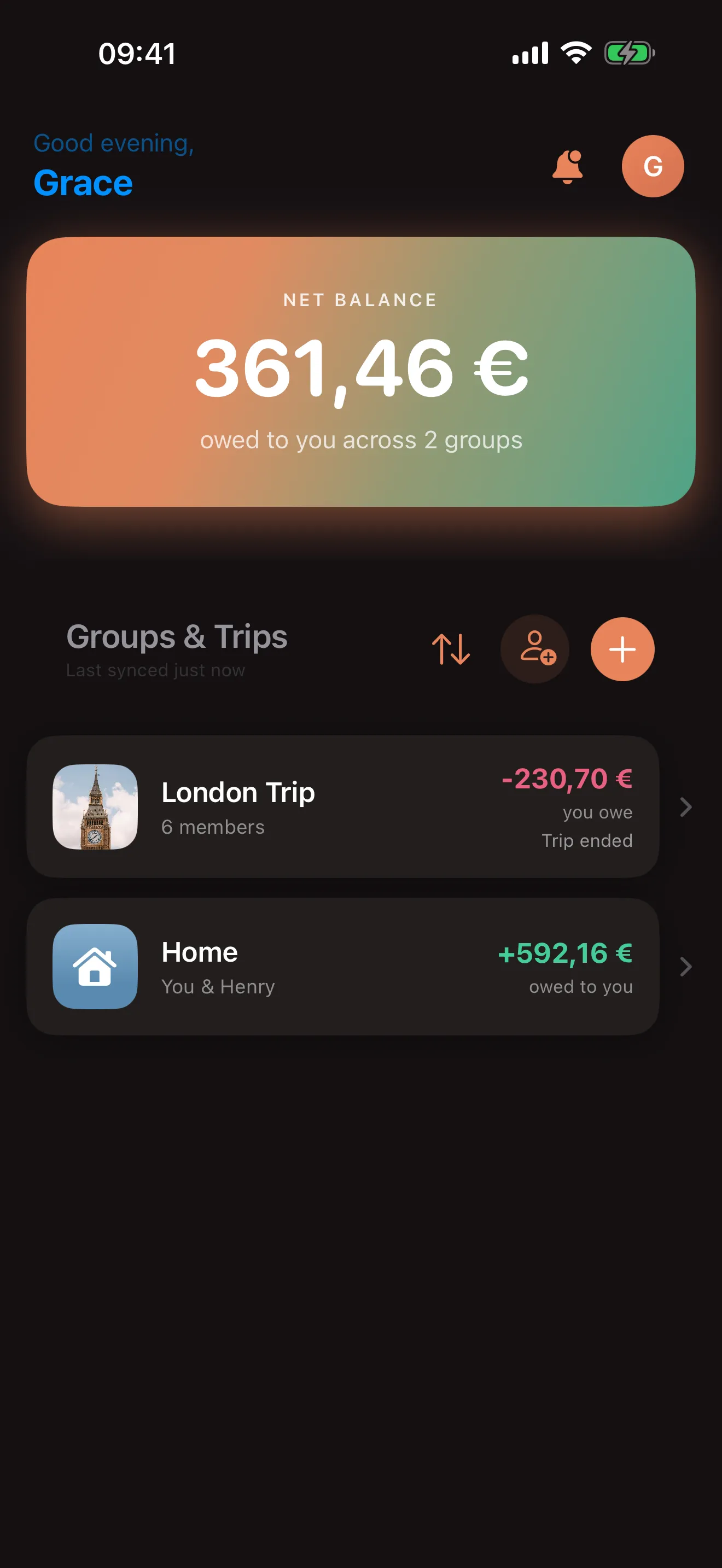
Until last week, everything in Splitsies was a Group. Flatmates? Group. Birthday weekend in Porto? Group. The four people you split your Netflix with? Group. It mostly worked. But after about a year of watching how people actually used the app (mostly me and my friends, to be honest), it was clear that “ongoing shared costs” and “this one trip we’re on” want different things from the UI, and stuffing both into the same screen meant neither got the right treatment.
So I split Groups in two. Groups are still there, doing what they always did. Trips are the new bit, for anything with a start and an end.
What’s different about a trip
A trip is just a group with three extra things turned on:
- A start and end date, which become a countdown on the home screen (“in 12 days”, “trip ends tomorrow”).
- An optional budget, so you can see how much you’ve collectively spent against what you said you’d spend.
- A “which day(s) did this cover?” field on each expense, which is useful for hotels that span a few nights, and for the “wait, what did we actually do on day 4?” question that always comes up afterwards.
All three are optional. Create a trip with just a name and a currency and Splitsies behaves almost identically to a group, just with the Trip label.
When to use which
The rule I use myself: does this thing have an end date I can put in my calendar?
If yes, it’s a trip. The countdown is genuinely useful for planning (and the dopamine hit of watching it tick down to a weekend away is a nice side effect). The day-tagging on expenses pays for itself when you’re back home and your friend asks “how much did we spend on the second night?”.
If no, it’s a group. Trying to give your flat-share a start date is going to feel weird.
A worked example
The way I tested this feature was by re-creating a real trip from last year: four people, six days in Lisbon, a budget of €1500. Here’s roughly how it went.
Day -3, sitting on the sofa. I made the trip. Name: “Lisbon May 2025”. Currency: EUR. Dates: 21–26 May. Budget: €1500. Invited the other three from the members screen.
Day 1, the supermarket run. Bought €43 of breakfast stuff for the airbnb. Opened the trip, hit +, equal split between four people. Took about 10 seconds.
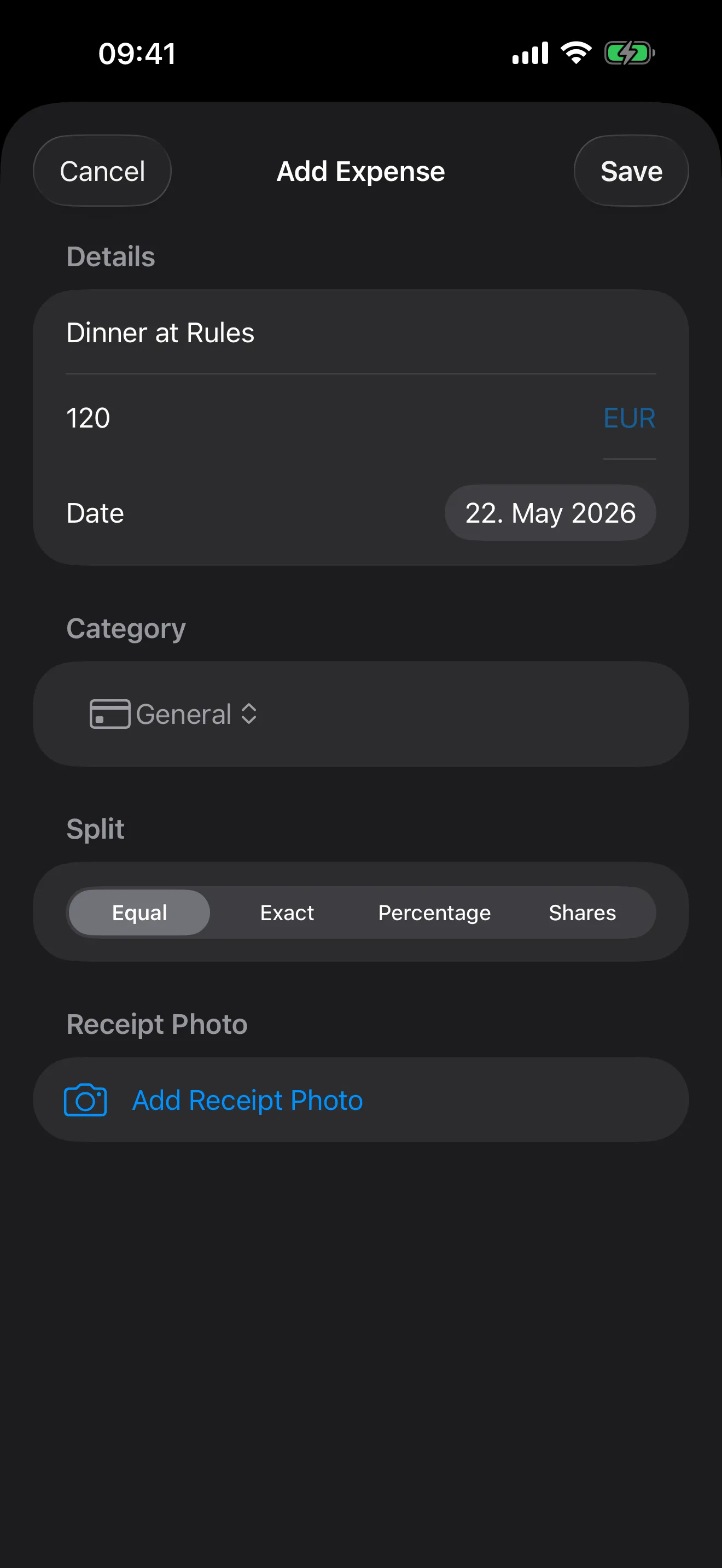
Days 2-5, dinners and a couple of museum tickets. Same pattern. I started tagging dinners with the specific day they happened on, partly because I knew I’d want that data later for the blog post you’re reading right now. I didn’t bother tagging the supermarket runs because nobody cares which morning the milk was from.
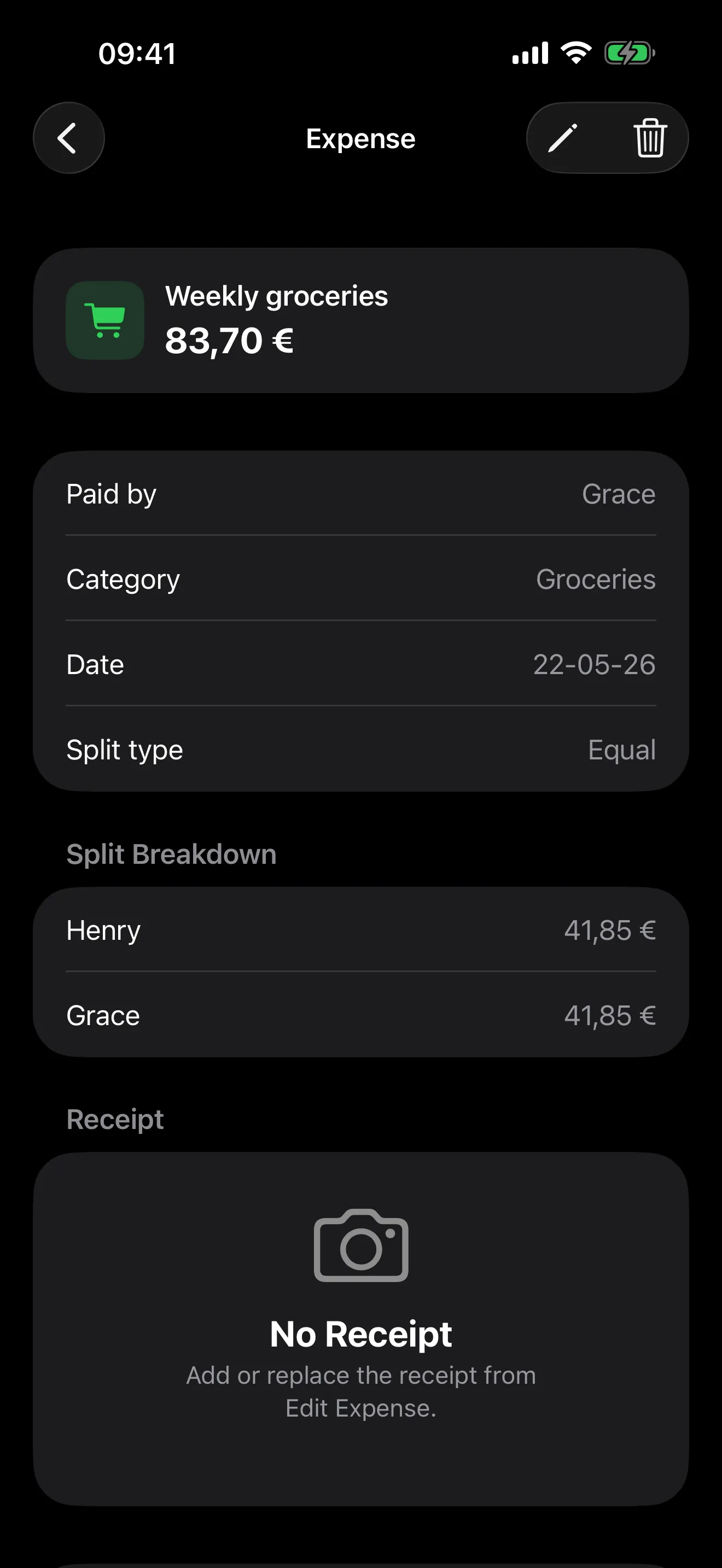
Day 4, the hotel. The one in Sintra spanned two nights, so I expanded the coverage field and selected both days. Splitsies treats it as a single expense (no per-day duplication) but the day tags show up everywhere.
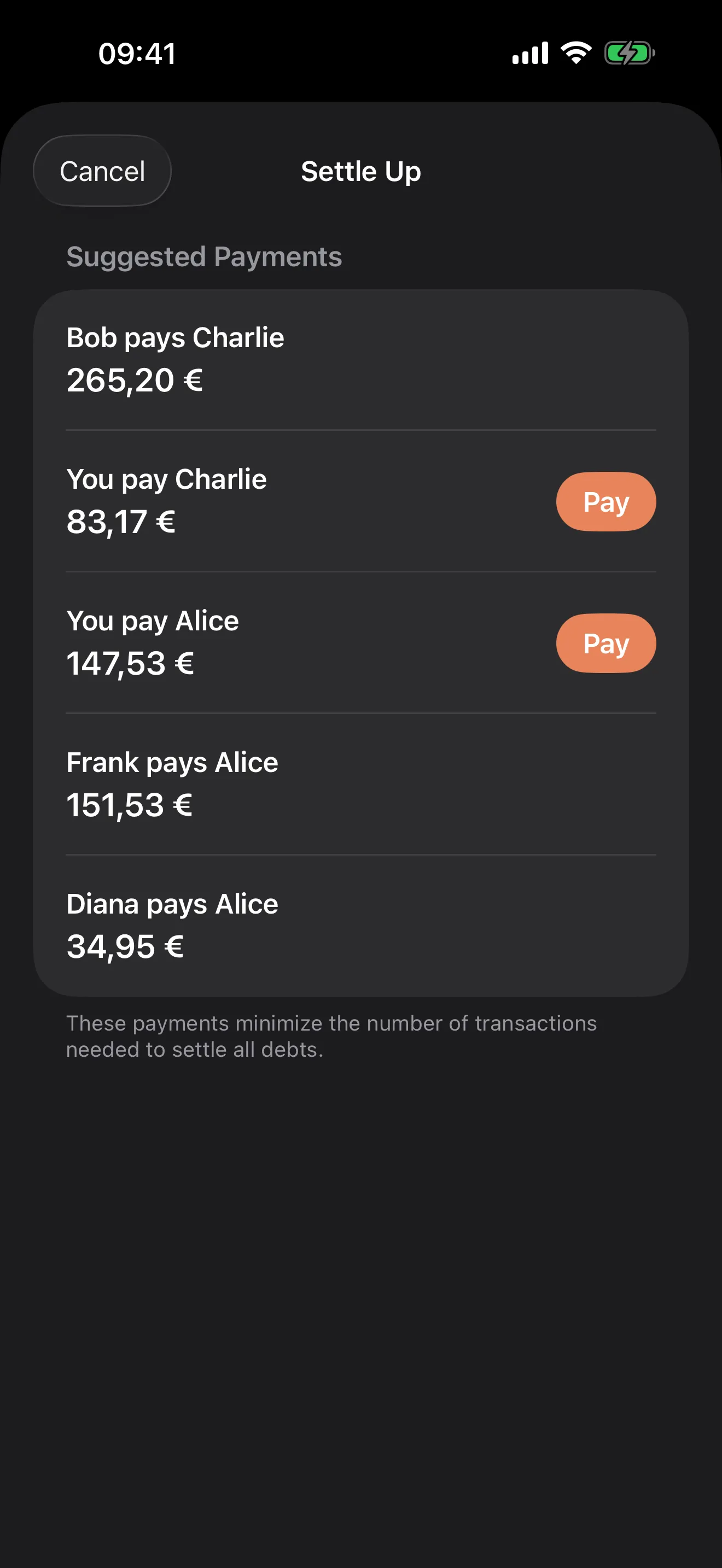
Day 6, going home. Checked the budget line: €1340 of €1500 spent. Not bad. Settled-up screen suggested two transfers between the four of us to clear everything. Took about a minute each to send the money. Tapped record-settlement, balances went to zero, trip archived itself out of the active list.
The whole loop took maybe ten minutes of in-app time across six days, including writing this up. That’s the bar I had for the feature. If logging trip expenses takes meaningfully longer than the receipt-on-the-table approach, nobody is going to use it.
A few things I considered and didn’t do
A handful of things I prototyped and then dropped, in case they save someone an email:
- Auto-archive on the end date. Felt wrong. People keep adding the “oh wait, the cab from the airport” expense a day or two after they’re home. Manual archive is fine.
- Per-day budget alerts. Too noisy, and the actual budget total is already on the screen.
- A separate Trips section in the home list. Tried it; it broke the “everything sorted by recent activity” flow that’s the most-used thing on the home screen. Trips just sit in the main list with a countdown.
- Currency conversion for travel. Still a single-currency-per-trip for now. Multi-currency is on the list but bigger than it looks.
Coming next
The Trips foundation makes a few follow-ups easier to build:
- Per-day stats once a trip ends (“biggest spending day was Tuesday”).
- A simple “what we did” notes field per day, since people are already using expense descriptions as ad-hoc trip journals.
- Better receipt photo handling for hotel folios and big-ticket items.
If any of those are something you’d actually use, or if you tried Trips and something feels off, write to support@splitsies.dev. Most of what’s in the app started as a one-line email from someone who was annoyed by a thing.
Otherwise: plan the trip, log the dinners, let the app do the maths, and try not to forget the airport cab.
Try it for yourself
Or just on Friday night, when one person paid for the table again.