 Splitsies
You don't need an account to try Splitsies
A new guest sign-in option lets you start splitting expenses without linking Apple or Google first. Here's how it works and why I added it.
- auth
- product
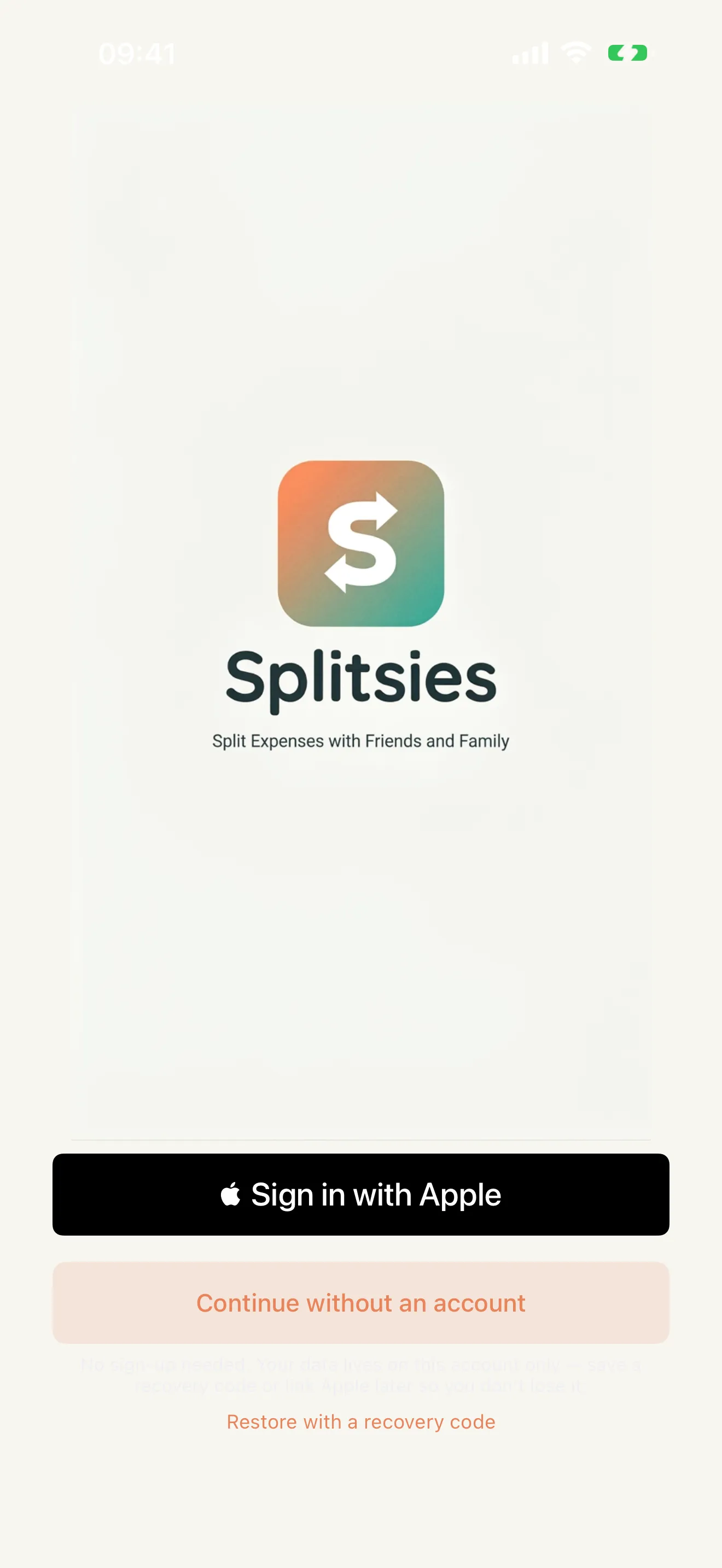
The sign-in screen now has a new option: Continue without an account.
Tap it, and you’re straight into the app. No Apple prompt, no Google account picker. You get a Splitsies account on the spot that works like any other: create groups, join trips, log expenses, settle up.
Why I added this
The sign-in step kept catching people before they’d even seen the app.
Not everyone has their Apple ID password to hand, or wants to decide which account to link before they’ve seen a home screen. A few people in my testing group (the ones who took longest to actually open it) said more or less the same thing when I asked: “I wasn’t sure if I wanted to hand over my details to an app I hadn’t used yet.” Which is fair.
The original reason I wanted Apple sign-in was convenience: one tap, name set, no forms. For someone who already uses Splitsies and wants back in on a new phone, that’s still the right path. But for a first run, it’s a gate more than a shortcut.
Guest accounts remove the gate. Get in, poke around, decide if it’s useful. If it’s not, nothing happened. If you want to keep using it, link an account from settings whenever.
The recovery code
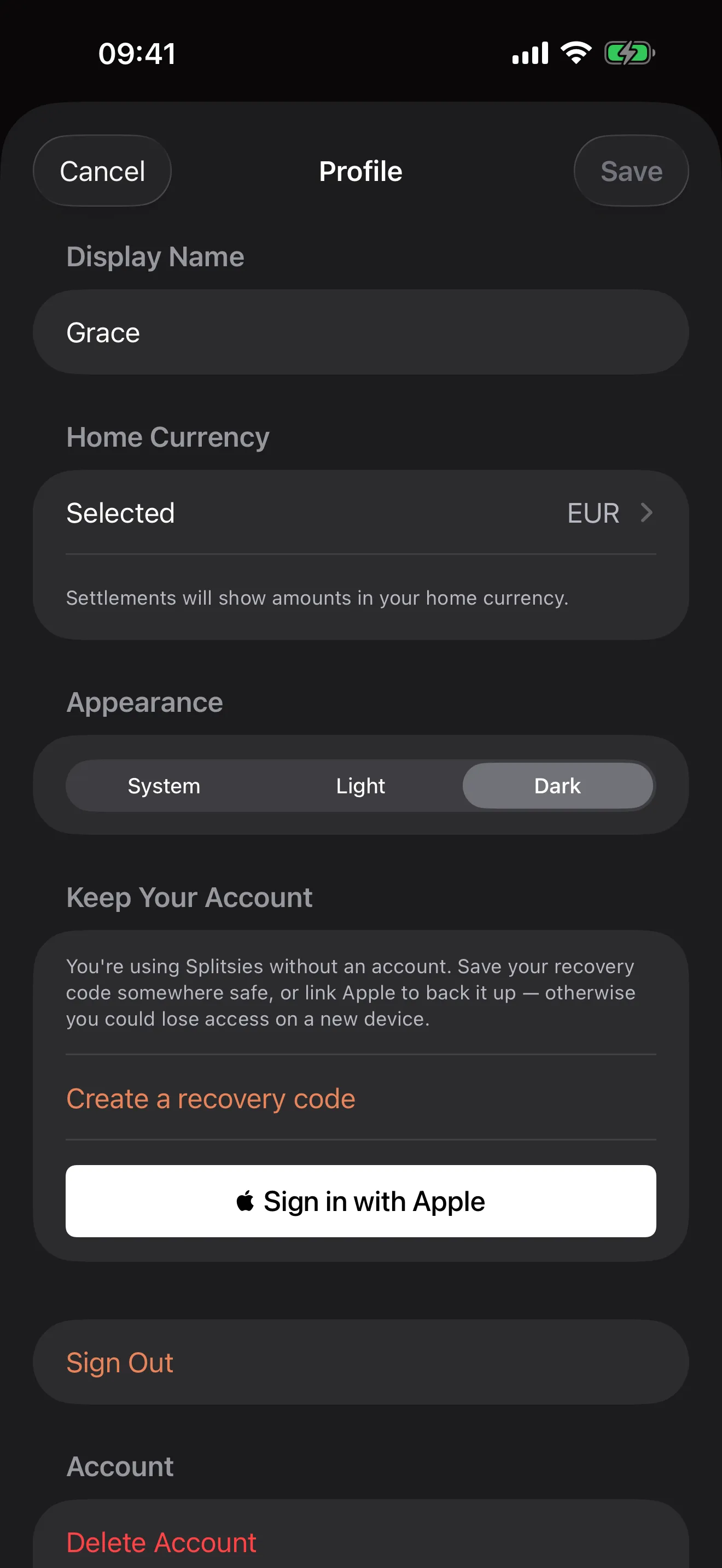
There’s a trade-off: without Apple or Google behind the account, there’s nothing to recover from if you lose the device. So guest accounts get a recovery code.
It shows up in Settings under Keep your account. Worth saving somewhere sensible, whether that’s a password manager or a note or just jotting it down. The code lets you restore the account on a new phone.
On sign-out
The recovery code gets cleared from the device. If you sign out deliberately, or someone else’s phone gets involved, the code stored there is gone. You’d need the one you saved elsewhere.
This is intentional. Sign-out is supposed to leave nothing behind. The fix-up if you forgot to save the code is: sign in as a new guest, lose the old account. Annoying, but the prompt in settings is fairly explicit about that risk before you generate the code.
For existing users
Nothing changes. Apple and Google sign-in work exactly the same as before.
If you share a join link with someone who hasn’t used Splitsies, they’ll see the guest option when they land on the sign-in screen. It’s the easiest thing to tap when you don’t know the app yet, which should reduce the “I haven’t downloaded it yet” drop-off a bit.
If something feels off, or the recovery code flow is confusing at any point, support@splitsies.dev. It’s the part of this feature I’m most uncertain about getting right.
Try it for yourself
Or just on Friday night, when one person paid for the table again.